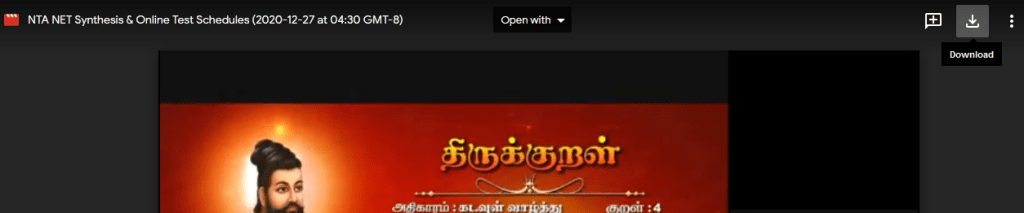
Steps to download the uploaded video from Google Classroom:
Join with the Google classroom by using the classroom code / link given to you
Right click the video (Will be opened in separate window)
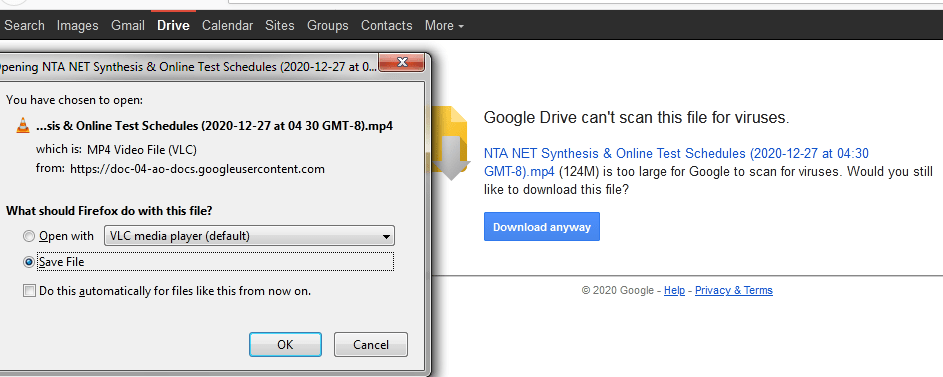
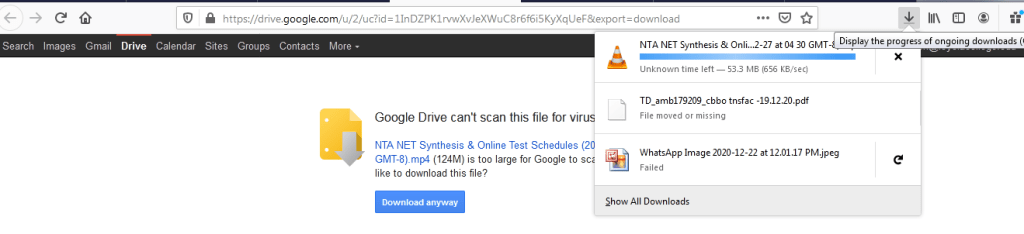
https://forms.gle/ZhvsLWMt6WPHQCpP9 Click the right corner download option Enter Ok and save the fileSaved file is downloading @ the corner of your desktop where the down arrow is appearing After the completion of downloading process the folder symbol will be appeared. If you right click that folder symbol, you can find the downloaded video in your device for future reference.
A place for your enrichment
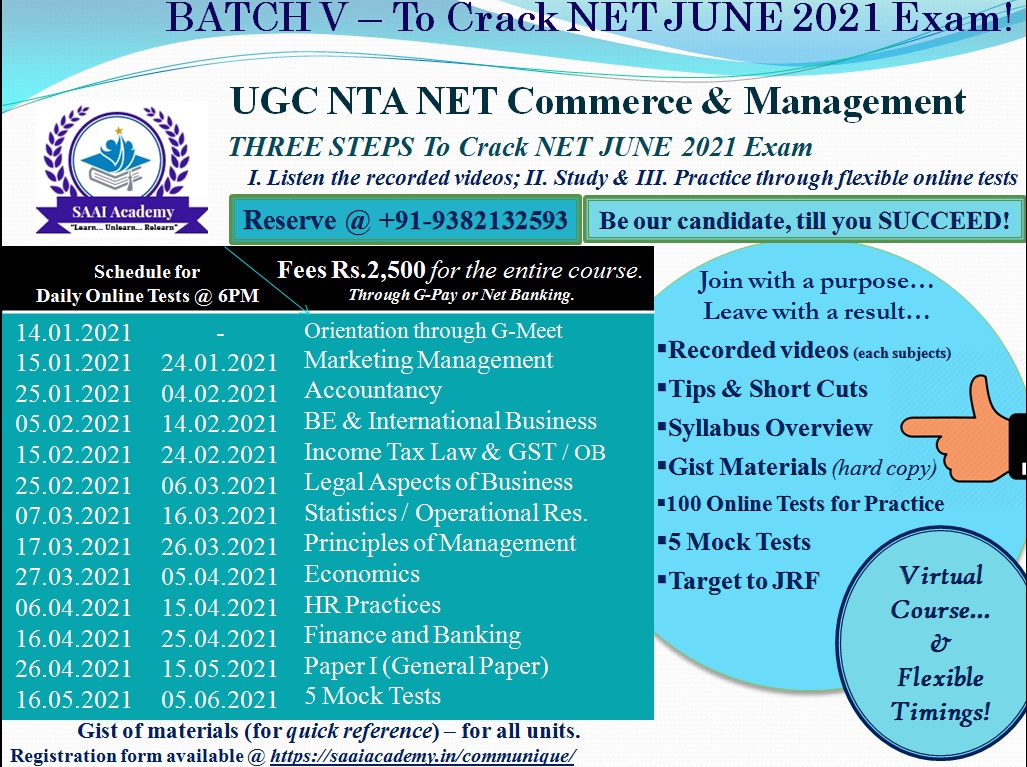
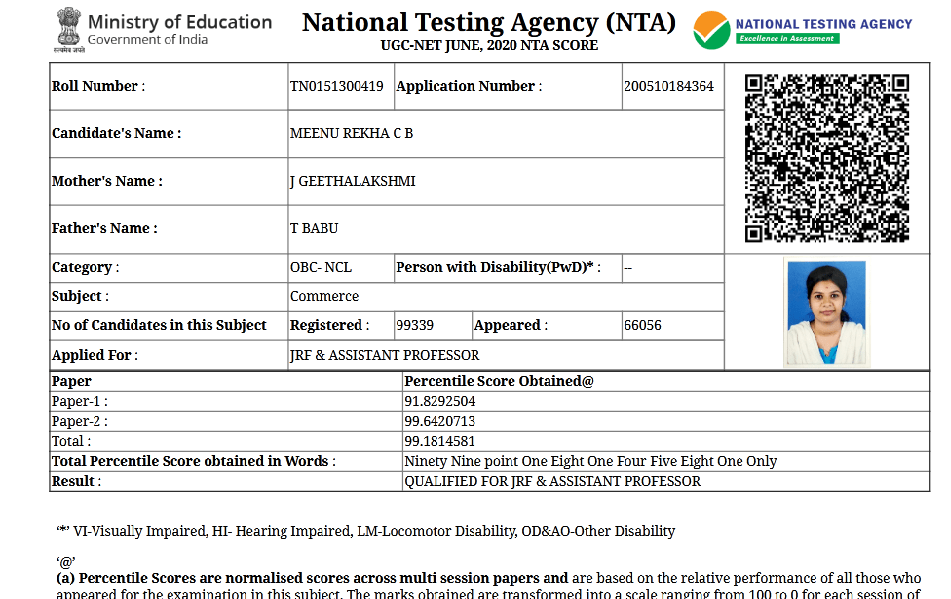
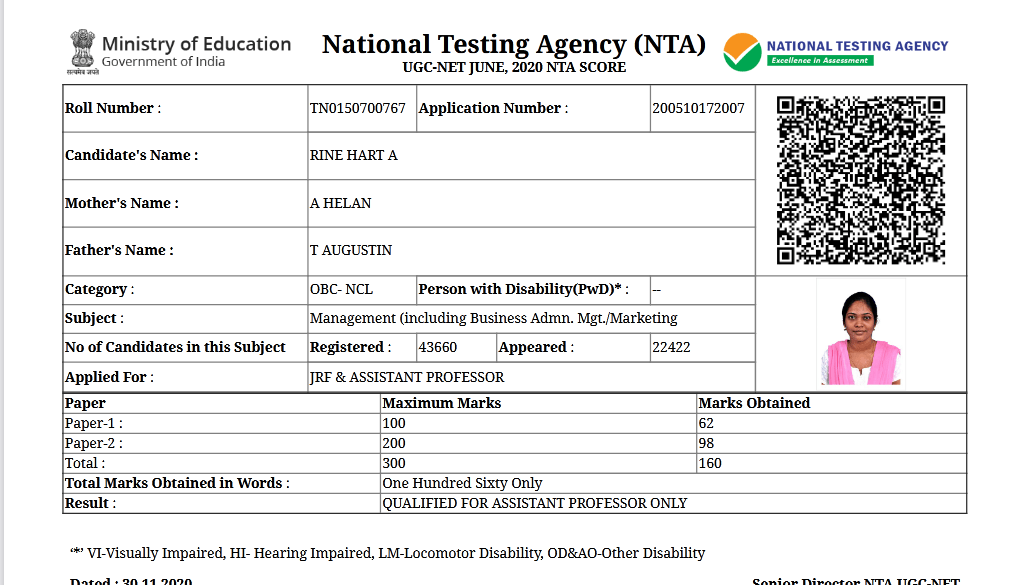
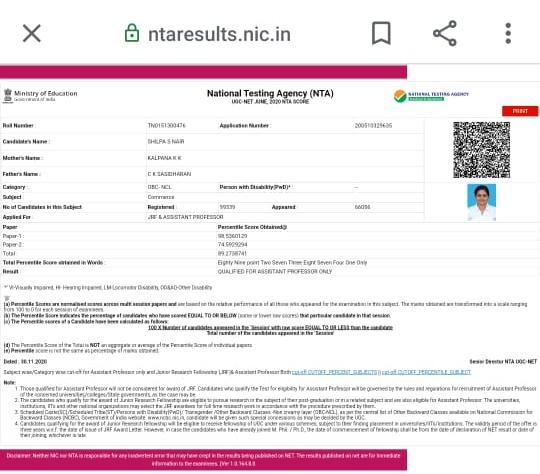
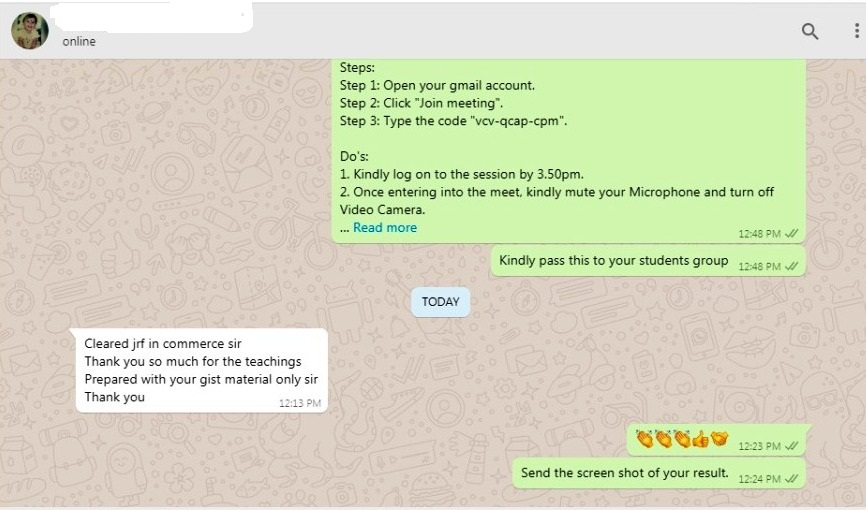
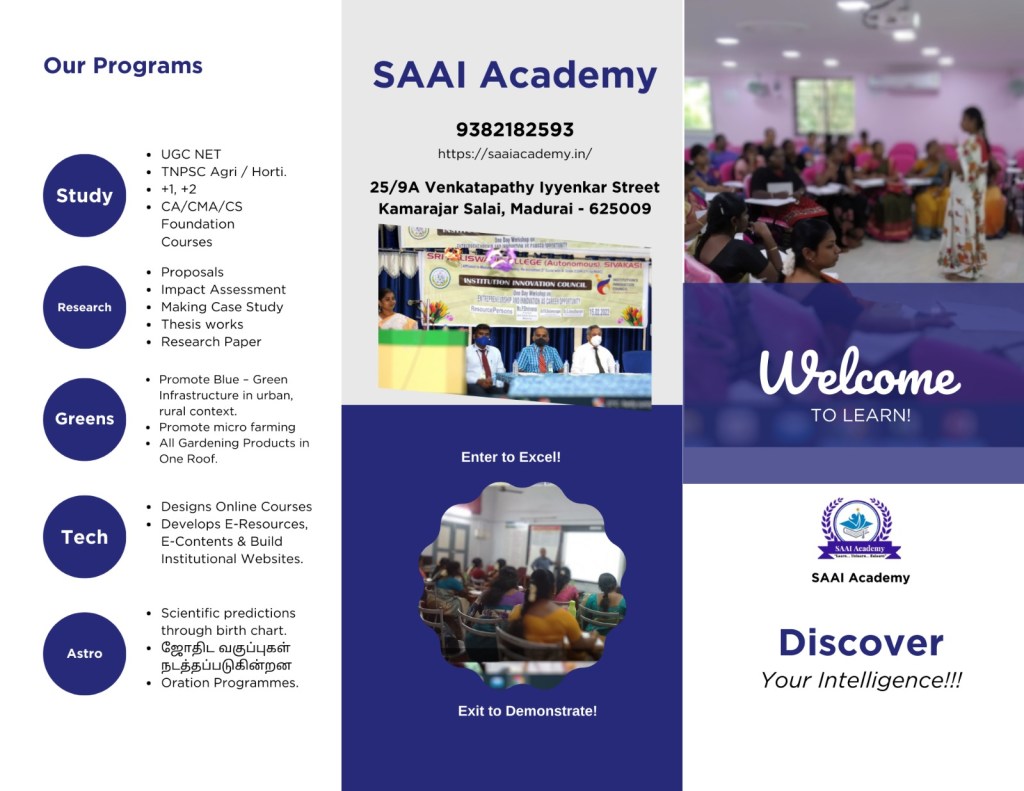
NTA UGC NET Coaching
TNPSC Agricultural officer / horticultural officer
TNPSC Group 2, 2A, CCSE IV
Terrace/ rooftop Garden kits, materials and seeds
Website designing
Research
Proposal writing
Annual report
Ph.D thesis
Publications
Journal writing
Certificate courses
Astro
Birth chart
Marriage star combination
View more posts


 SAAI Academy