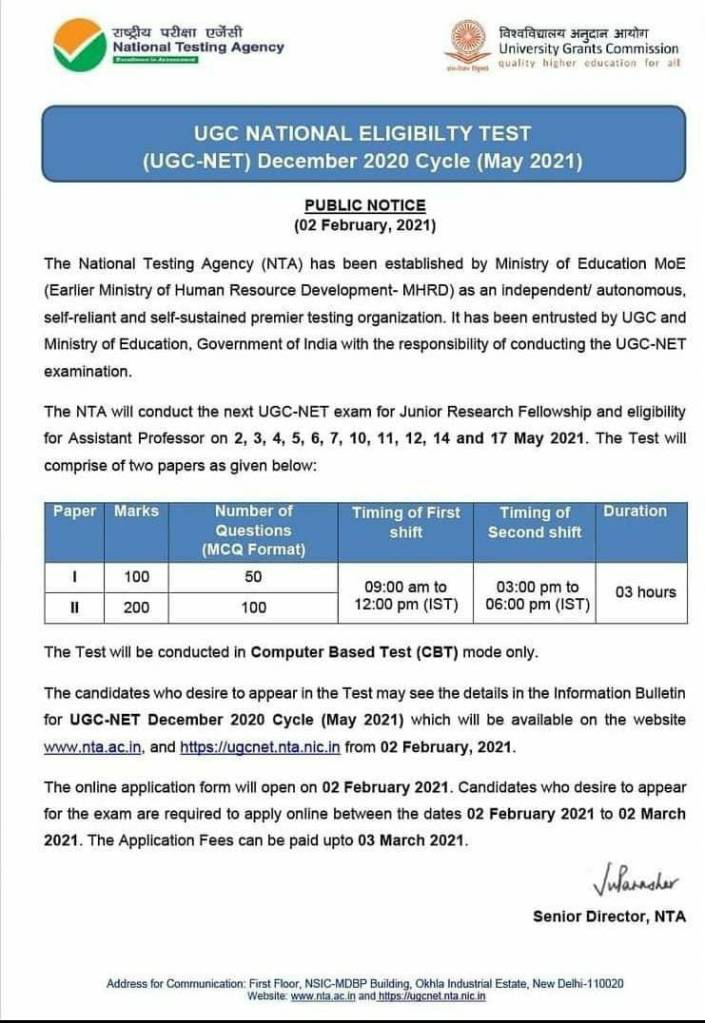
NTA released notification for May 2021 UGC NET Exam for JRF / Assistant Professor Qualification
The NTA will conduct the next UGC-NET exam for Junior Research Fellowship and eligibility for Assistant Professor on 2, 3, 4, 5, 6, 7, 10, 11, 12, 14 and 17 May 2021.
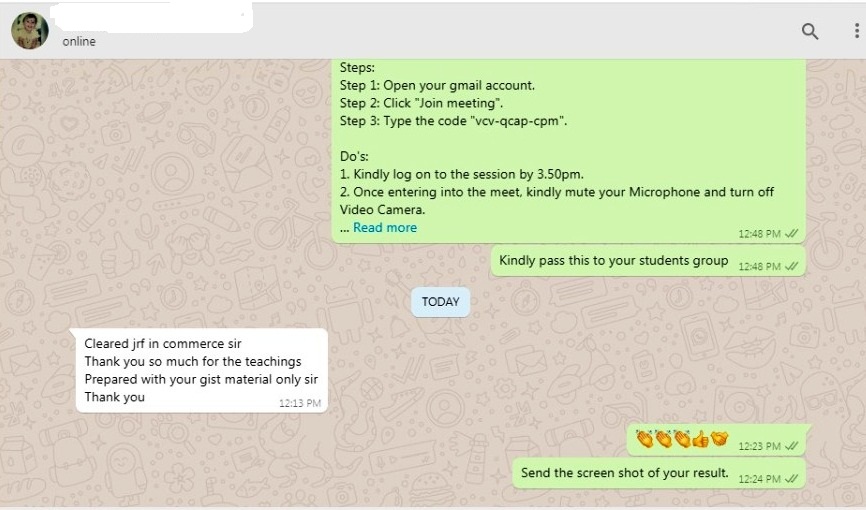
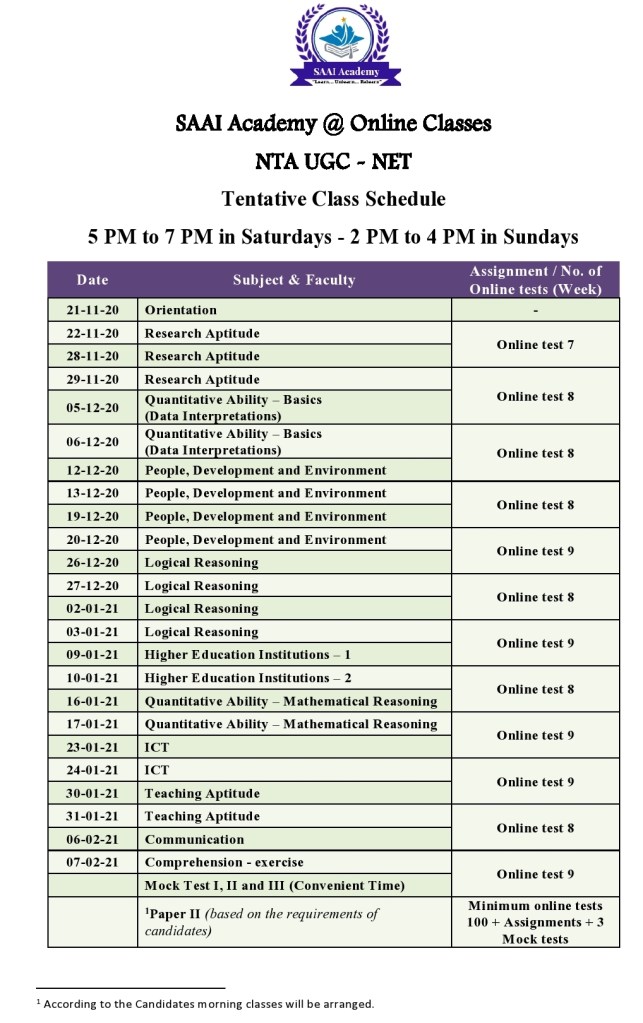
Proud to announce Batch VII– 2021! Via G- Meet (Online classes)..!! To Crack…!!!
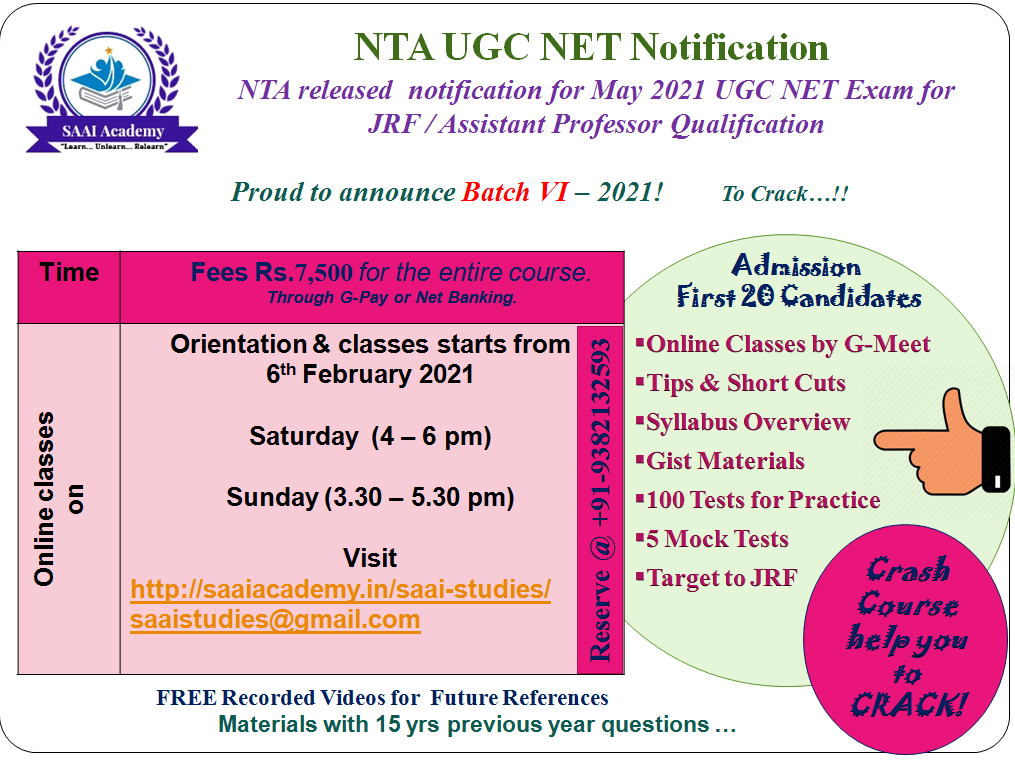
NTA released notification for May 2021 UGC NET Exam for JRF / Assistant Professor Qualification
The NTA will conduct the next UGC-NET exam for Junior Research Fellowship and eligibility for Assistant Professor on 2, 3, 4, 5, 6, 7, 10, 11, 12, 14 and 17 May 2021.
Proud to announce Batch VI– 2021! Via G- Meet (Online classes)..!! To Crack…!!!
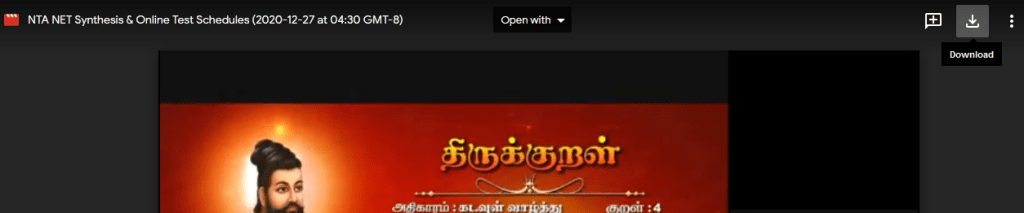
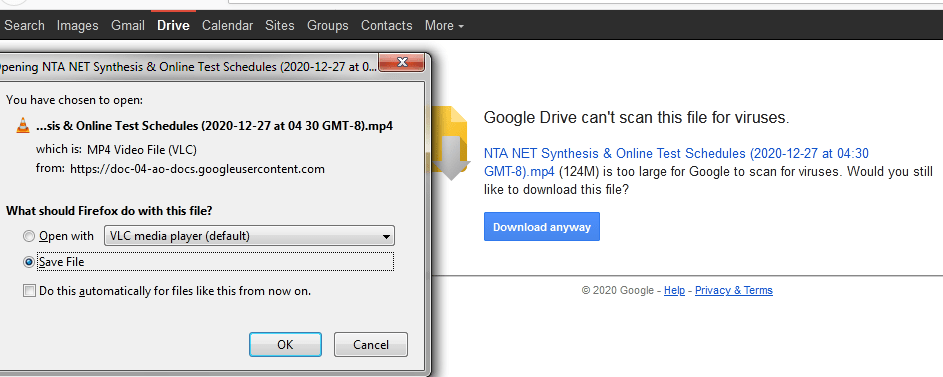
Steps to download the uploaded video from Google Classroom:
Join with the Google classroom by using the classroom code / link given to you
Right click the video (Will be opened in separate window)
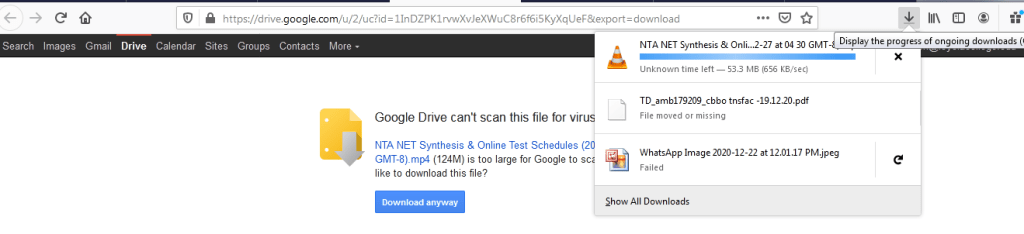
https://forms.gle/ZhvsLWMt6WPHQCpP9 Click the right corner download option Enter Ok and save the fileSaved file is downloading @ the corner of your desktop where the down arrow is appearing After the completion of downloading process the folder symbol will be appeared. If you right click that folder symbol, you can find the downloaded video in your device for future reference.
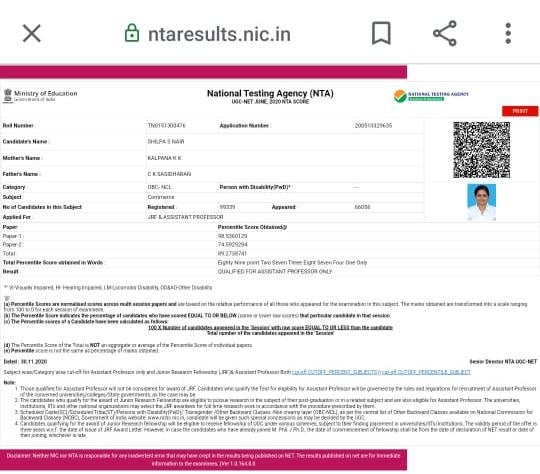
NTA conducted the UGC NET June 2020 examination between September – November 2020. Totally, 8,60,976 candidates registered. Out of, 5,26,707 candidates had appeared for the test.Category wise enlisted.
General category – 1,56,882
Gen-EWS – 47,161
OBC-NCL category – 1,92,434
SC category – 88,914
ST category – 33,811
PwD category – 7505
The final answer keys of UGC NET 2020 were released on November 30.
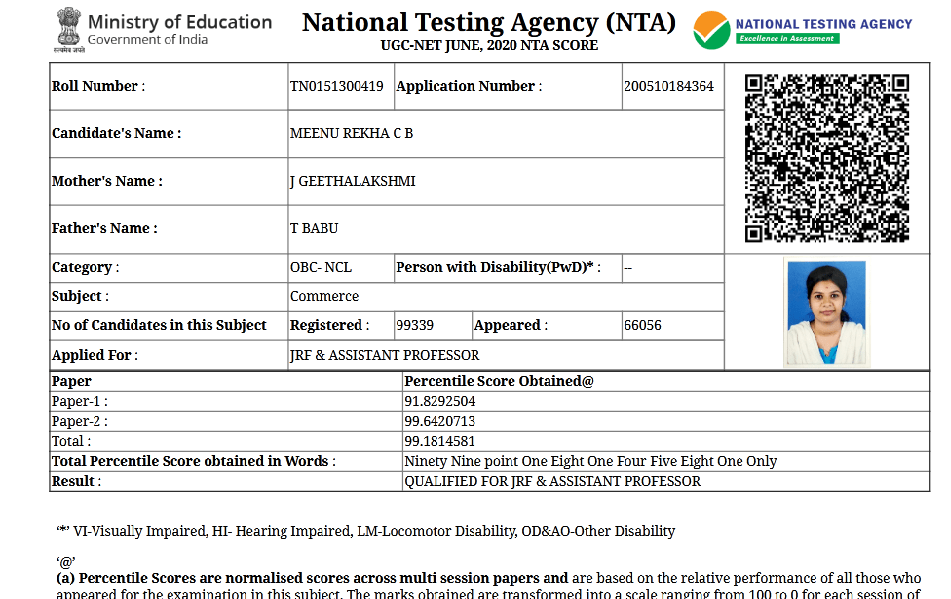
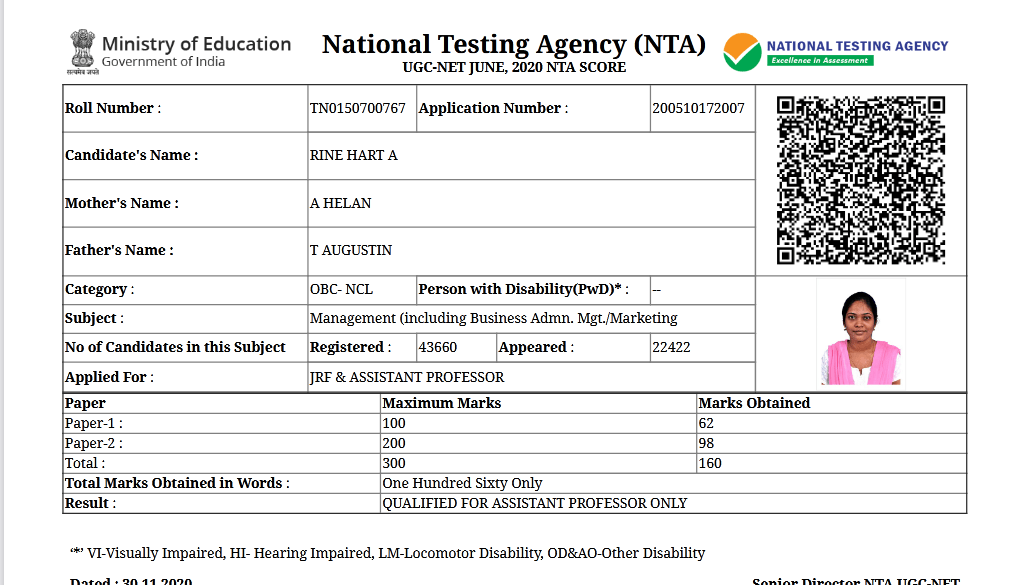
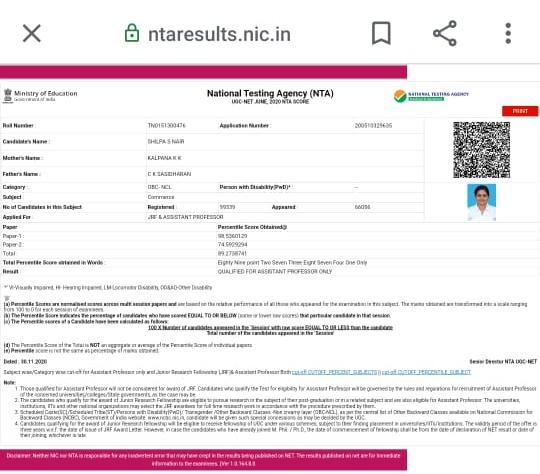
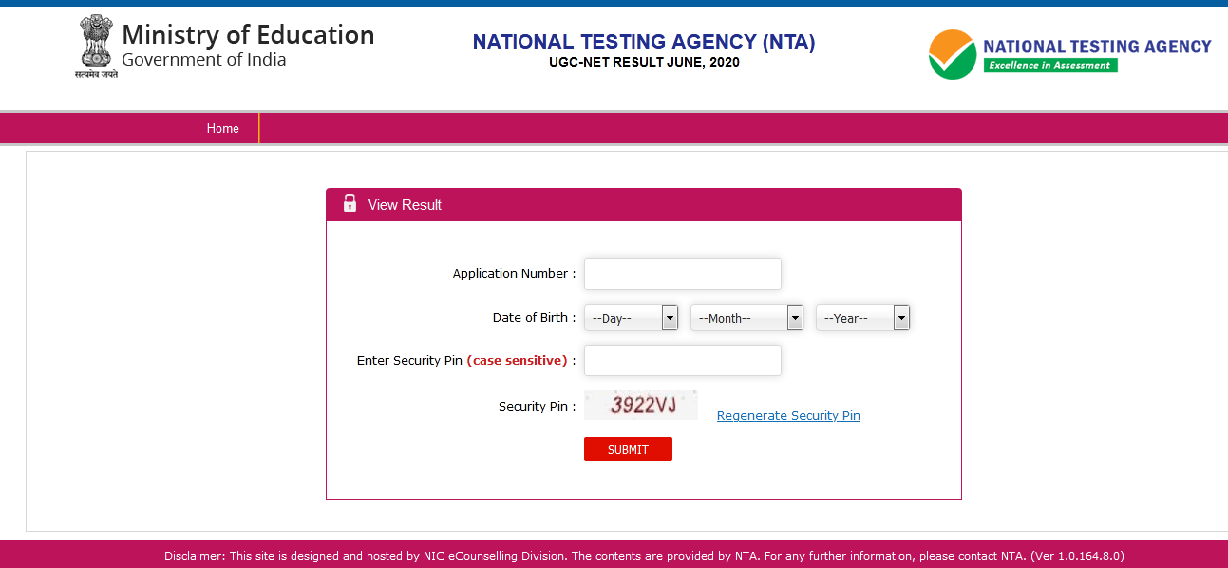
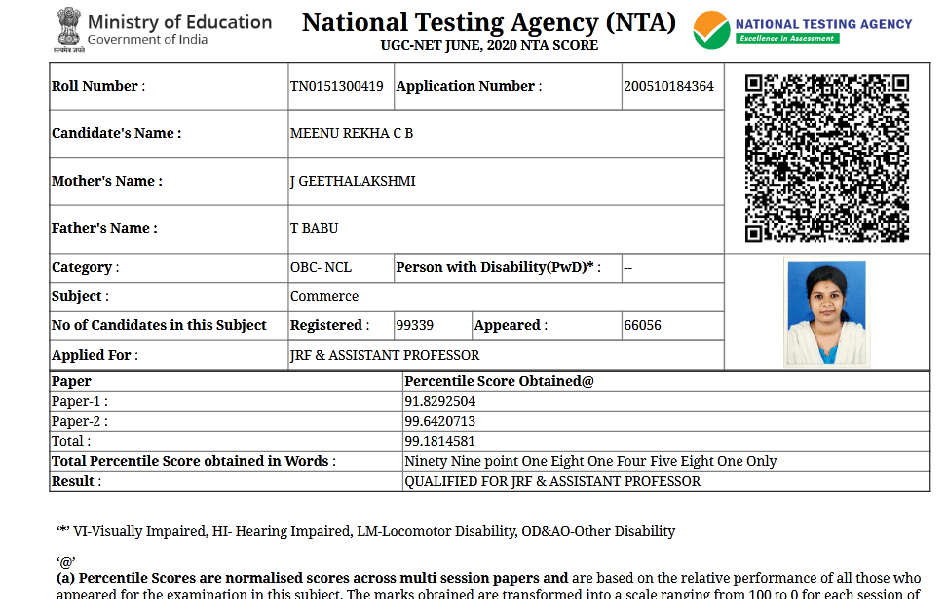
UGC NET result can be obtained from the direct link given below. Candidates are required to login with their user ID and password to obtain the result.


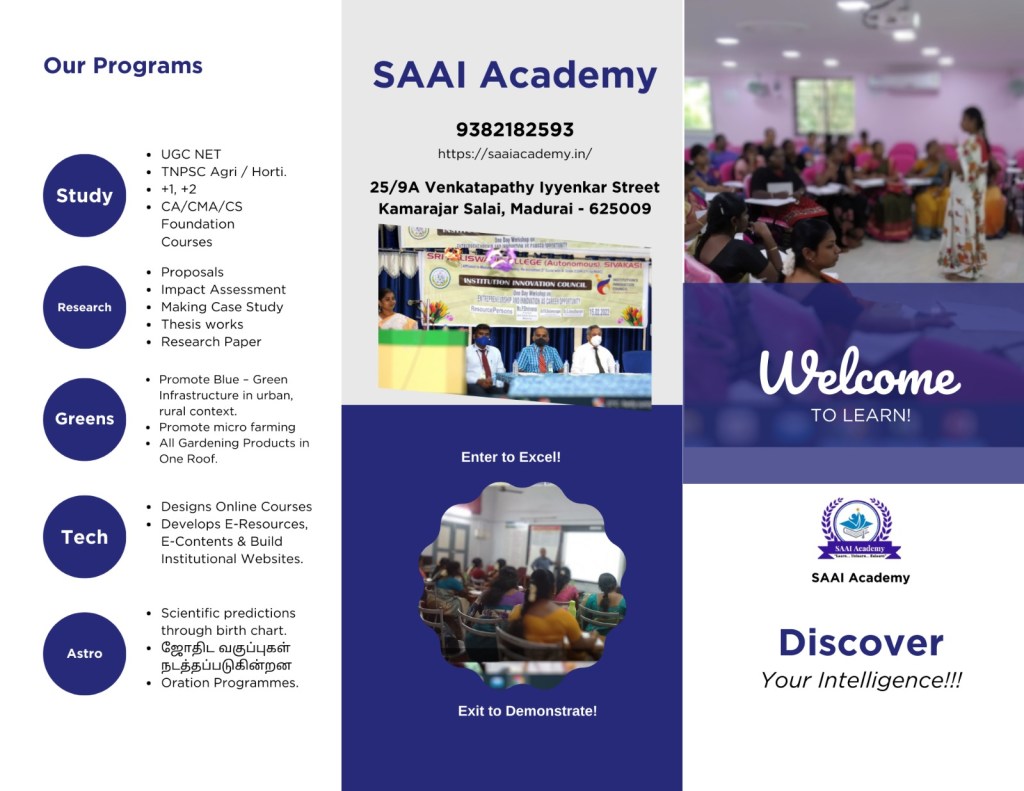
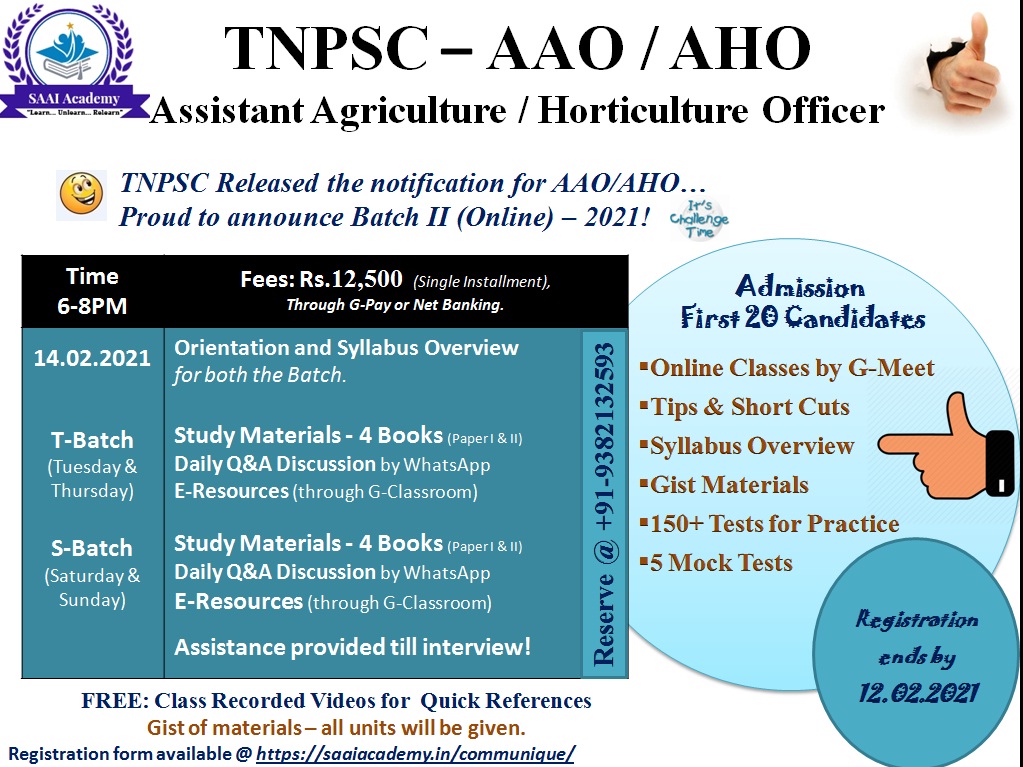






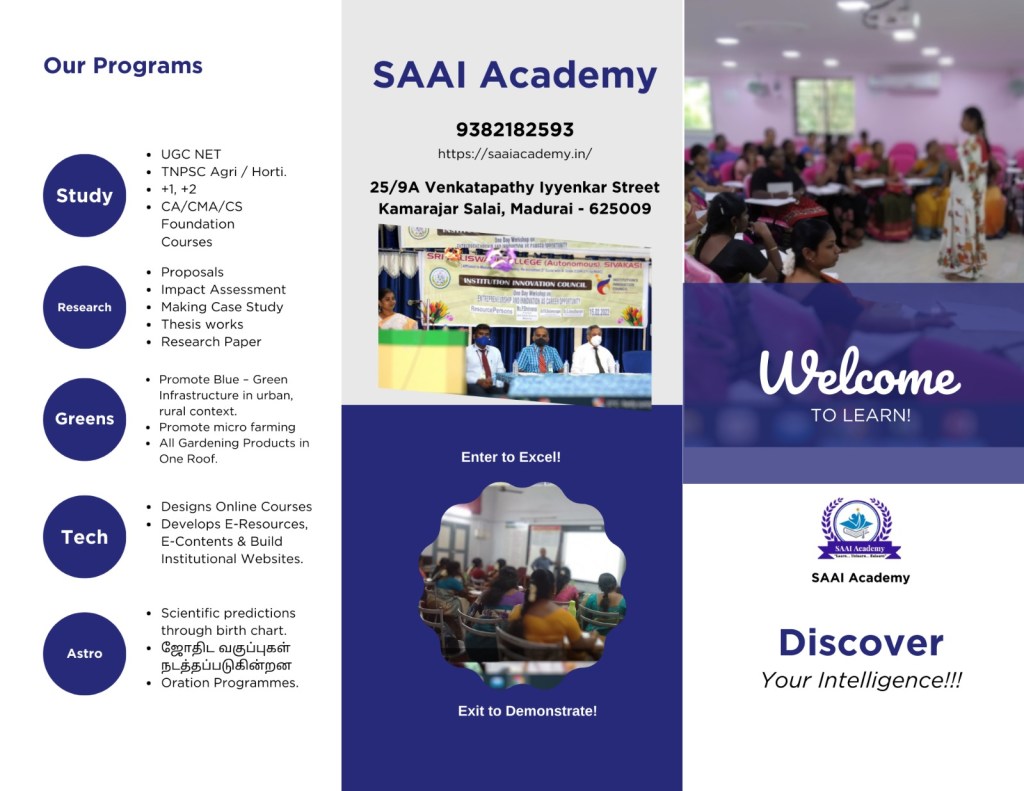

 SAAI Academy